
01 · Identify
Name the product function, intended application and requested quantity.
A compact RFQ workflow keeps capacity, interfaces, environment, quantity and deliverables visible so responses are easier to compare.
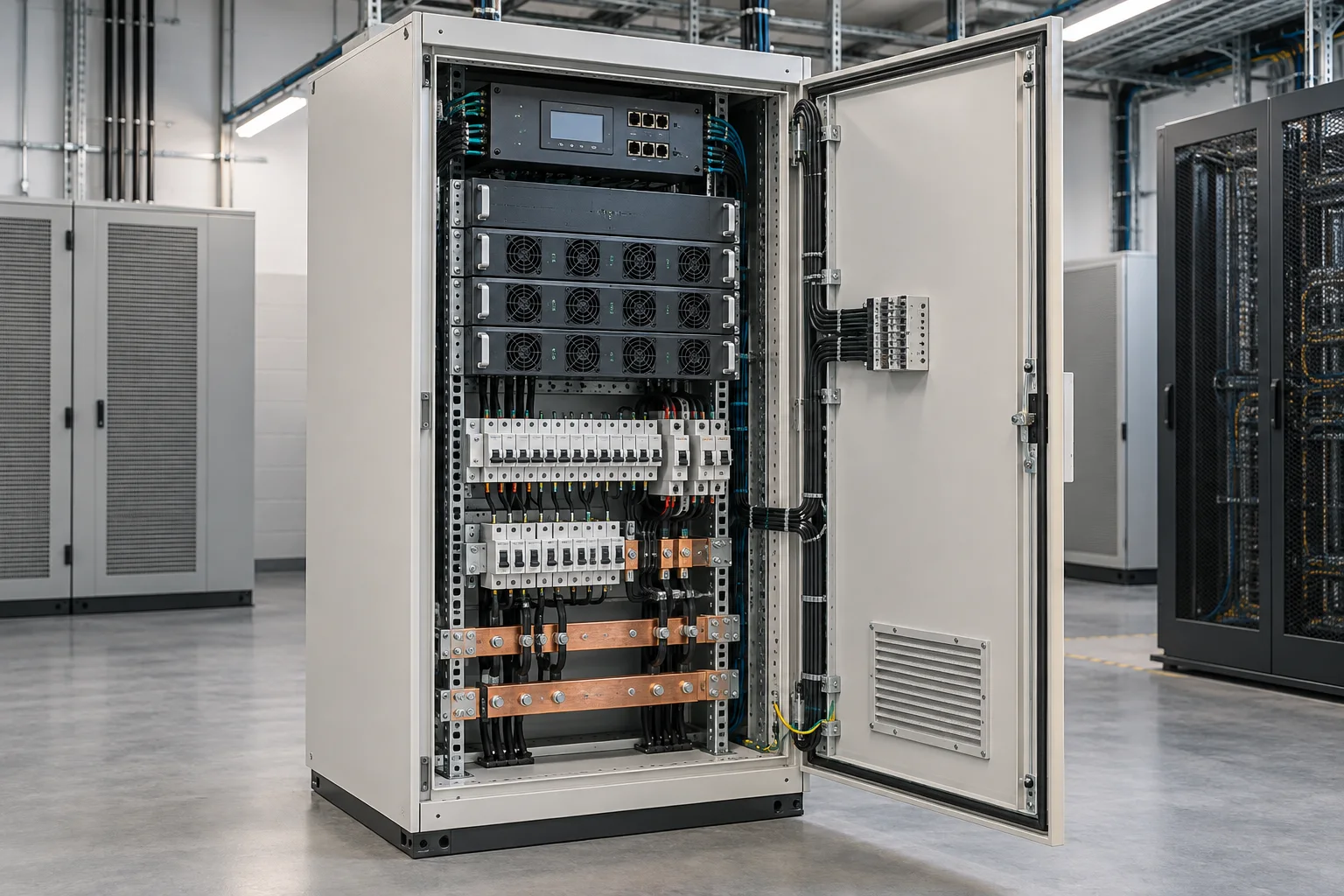
Every product has external interfaces. A fiber panel needs the correct cable and connectors. A rack needs the equipment depth and cable route. A power system needs a load schedule and protection concept. An outdoor cabinet needs all of these plus environmental control.
The sequence works for a cable lot, distribution box, patching package, equipment rack or protected field enclosure.
Name the product function, intended application and requested quantity.
Fix capacity, interfaces, dimensions, materials, accessories and acceptable options.
Describe installation, environment, destination, schedule and packaging constraints.
Request drawings, declared ratings, exclusions, lead time and commercial validity.
Use the register as an inquiry checklist, not as a substitute for the applicable standards or project specification.
Fiber count, connector, polish, splice method, splitter format, cable diameter, bend control and labeling.
Rack units, width, depth, equipment load, door clearance, airflow, cable pathways and PDU location.
Input supply, DC voltage, load current, redundancy, protection, distribution, monitoring and grounding.
Protection rating, material, temperature, solar exposure, cooling, cable entry, mounting and access.
A useful technical package may include dimensions, internal layout, circuit schedules, fiber port schedules, declared enclosure ratings and relevant test information. The exact package depends on the product and project.
Early coordination is easier than changing cable entry, rack depth or power distribution after delivery.